What a free cycling app should give you, and what Velograph's free Rider plan includes: every bike, every fit, your rides and their analysis.
A good free cycling app keeps your rides for good, reads them properly, lets you take your data with you, and is clear about how it pays for itself. Velograph's Rider plan is free and never expires. It keeps every bike, every bike fit and your rides in one place, with ride analysis, and you decide who sees what.
What should you look for in a free cycling app?
Look for a free cycling app that stays free for good, lets you take your data with you, reads your device's original file and lets you choose who sees your rides. Check how it is paid for and where your data is stored.
"Free" means different things in different apps. Before you put years of riding into one, ask a few plain questions.
- Is it free for good, or a trial? A free plan with an end date is a trial, which is fine as long as you know it.
- Can you take your data with you? Look for downloads of your own rides as FIT or GPX files, and a way to export everything at once.
- Does it read your device's original file? Some apps work from data another service has already processed. The original file is what your head unit or watch recorded.
- Who can see your rides, and can you choose for each person? A coach may need your power data. A team may not need your history from five years ago.
- How is it paid for? Some apps are paid for by advertising or by data, others by paid plans for riders who want more. Check whether it carries third-party trackers.
- Where is your data stored, and under which law? In the EU, the GDPR gives you the right to a copy of your data and to take it to another service.
- Does it work with what you already use? Your rides already live somewhere, so moving them in should be easy.
Many riders use more than one app, and that is sensible. Strava is where much of the riding community and its segments live. Riders who want deep training analysis often use intervals.icu, which describes itself as free for everyone. Golden Cheetah is open-source desktop software for riders who want their power data on their own computer.
Velograph's free plan starts from a different idea: your bikes, your fits and your rides in one record that you own and share, part by part, with the people who help you.
What does Velograph's free plan include?
Velograph's free Rider plan includes every bike and bike fit, your rides and ride history, ride analysis, fitness over time, downloads of your own rides and control over who sees what.
| What | In the free Rider plan |
|---|---|
| Bikes | Every bike, with its make, size and frame geometry |
| Bike fits | Every fit from every fitter who records it in Velograph, plus fits you enter yourself |
| Rides | From intervals.icu and Strava, or as FIT files from any device, several at once |
| Your history | A Strava or Garmin account export (a zip file) brings past rides in |
| Ride analysis | Power curve and records, W′, surges, durability, limiter, marked intervals |
| Fitness | Fitness, fatigue and form over time |
| Your data out | Your rides as FIT files, GPX for outdoor rides with a GPS track, or all at once in a zip; rides from Strava stay on Strava |
| Sharing | You decide what each team, coach or fitter may see |
The plan never expires, and it does not turn into a paid plan unless you choose one. Our guide to importing your cycling history shows how to bring years of rides in with an account export.
What does Velograph's cycling training log show?
Velograph's training log shows each ride's power curve and records, W′, surges, durability and marked intervals, and reads your limiter from your power curve over weeks of riding. It reads rides from the original device file wherever there is one, so the numbers come from what your device recorded.
- Power curve and records: your best power at every duration, from a five-second sprint to a long climb. Our article on the power curve explains how to read its shape.
- W′ (W prime): the limited reserve of work you can do above your critical power, which is spent in attacks and refills when you ease off.
- Surges: the efforts above your critical power, counted, with how deep each one went into W′.
- Durability: how much power is left late in a long ride, after a given amount of work and labelled by time into the ride.
- Limiter: the weakest part of your power curve. When a gap may be untested rather than weak, Velograph asks a question instead, such as whether a flat-out sprint was ridden at all.
- Marked intervals and stretches: the laps you marked on your bike computer or the steps of a structured workout, and any stretch you drag across on the chart, each with its own numbers.
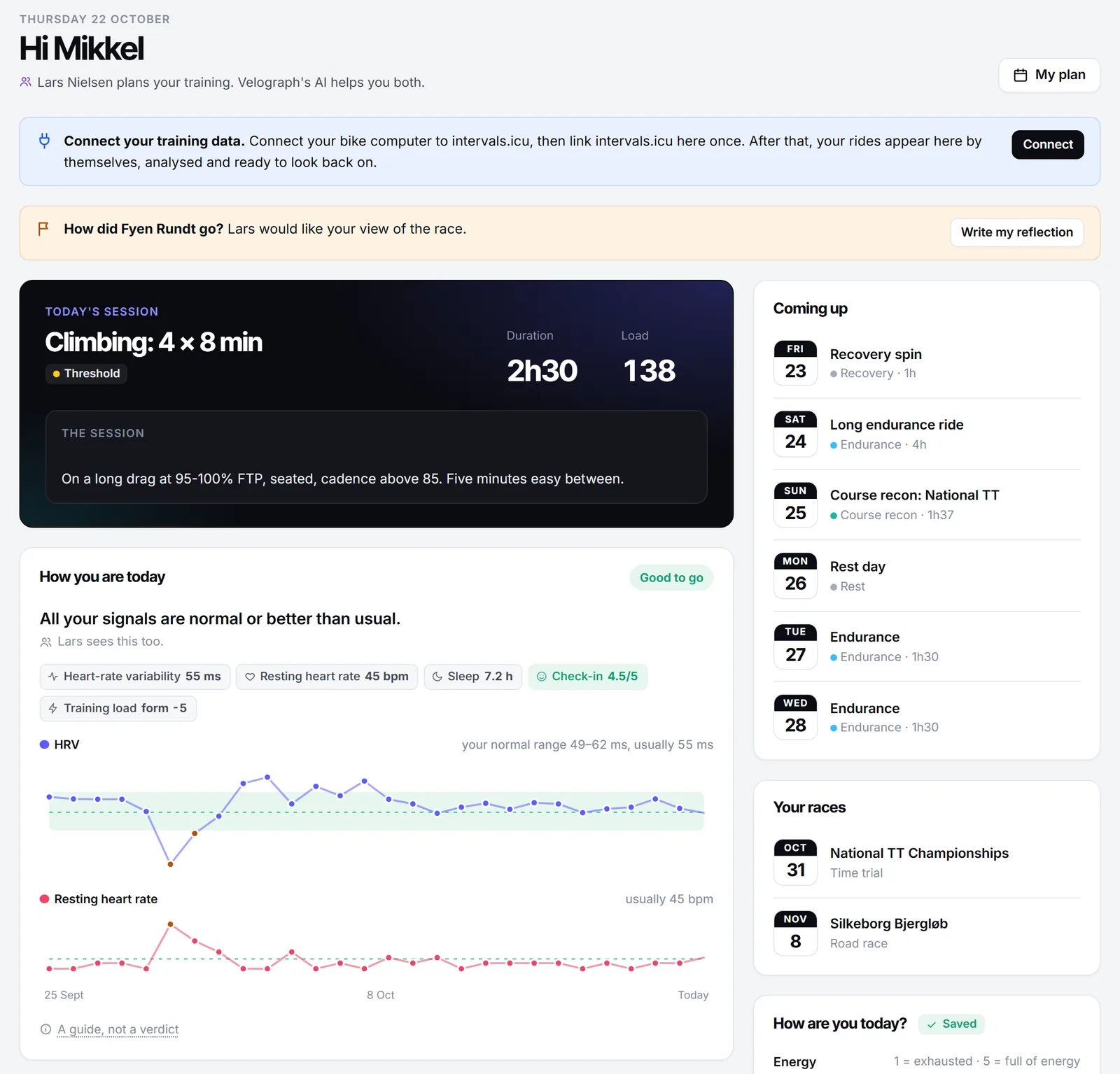
Whatever app you use, a training log is more useful with a few words in it. After a hard session, note how it felt on a scale of 1 to 10 and anything unusual, such as poor sleep or a cold coming on. Six months later, those notes explain the numbers.
Is there a bike fit app that also keeps your rides?
Velograph keeps your bike fits in the same place as your rides. Each bike has its own fit history, from every studio and team that has fitted you in Velograph, and the fits stay with you when you change fitter or team.
Your Passport card has a QR code. When a new fitter, coach or team scans it, Velograph asks you on your own phone what they may see, and you can say yes, choose less or say no. Read more about the bike fit passport.
Who can see your rides and fits in Velograph?
A team, a coach or a fitter sees only the parts you agree to share, and you can change your answer later.
Strava rides are shown to the rider only and are never used by the AI. Rides from intervals.icu and your own FIT files can be shared with your coach or team when you allow it.
Velograph has no advertising and no third-party trackers. It is made in Denmark by Pro Cykling ApS and runs in the EU, in Frankfurt.
What does Rider Plus add to the free plan?
Rider Plus adds training plans, race tools and Ask, the AI coach, to the free plan. It is a paid monthly plan for riders who want to plan as well as keep their records and analysis.
Here is what each part does:
- Training plans with structured sessions on a calendar.
- Race tools, such as race plans with pacing on the course.
- An AI coach, Ask, with AI credits every month. Ask answers from your own data and proposes sessions, and you decide what goes on your calendar.
If you have a human coach, the coach comes first: the AI assists you both, and your coach decides. Prices for every plan are on the pricing page.
Getting started
You can start for free in a few minutes. Connect intervals.icu or Strava, or upload FIT files from your device, then add your bikes and the fit numbers you have. If you already train with intervals.icu, our article on how intervals.icu and Velograph work together explains what each one does.
Velograph is not affiliated with, sponsored by or endorsed by any team, rider or company named in this article. Names are used only to refer to publicly reported work.